Restore old photographs
Repair scratches, tears and faded color in old photos.
Before
Upload a damaged or faded print
Click to upload or drag and drop
JPG, PNG, or WebP · no account
After
Free restores · High quality from a pack
Your restored photo will appear here and in your library.
5 free restores per deviceNo account or cardNo watermarkJPG/PNG/WebP up to 10MBPacks from $9


How it works
Upload a print, run a restore, download the file.
Upload a print
JPG, PNG, or WebP · no account
Run a restore
Quality is selected automatically
Download
Within 7 days
The look
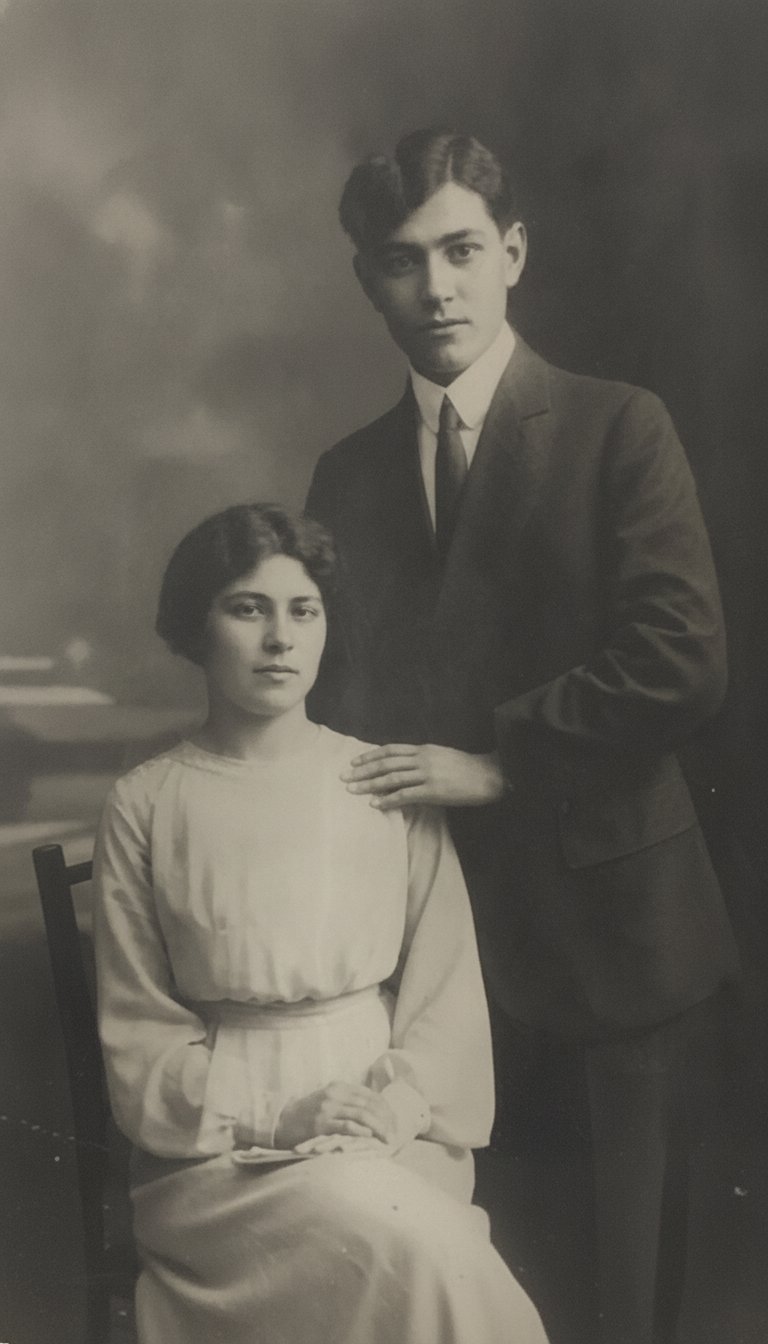
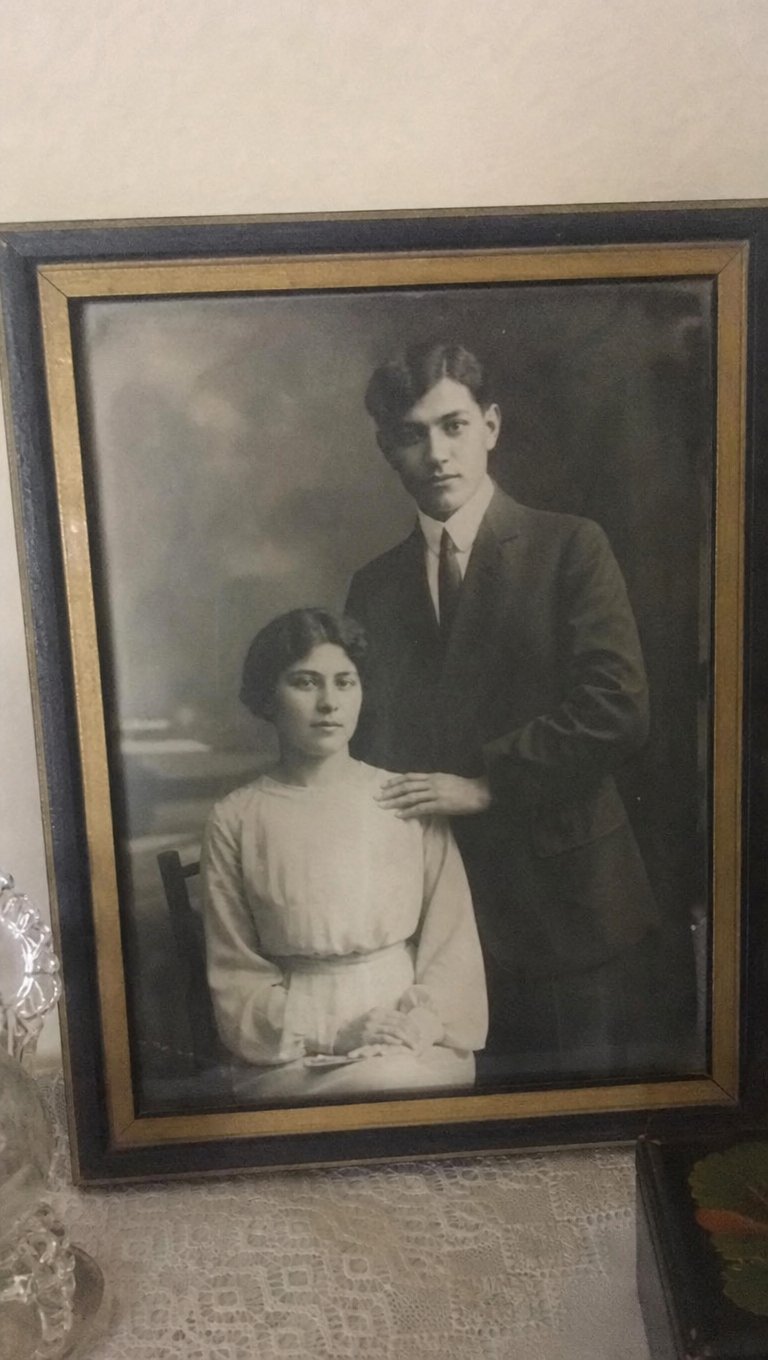
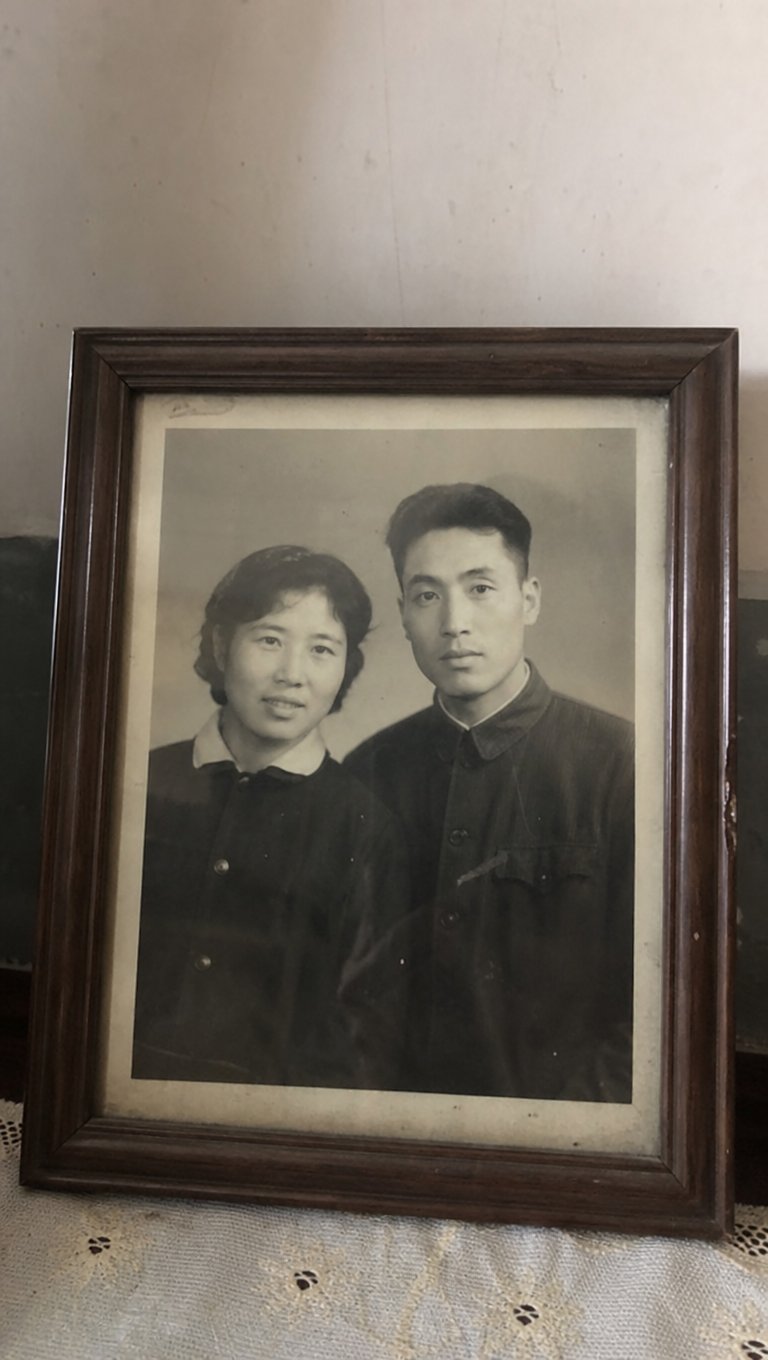
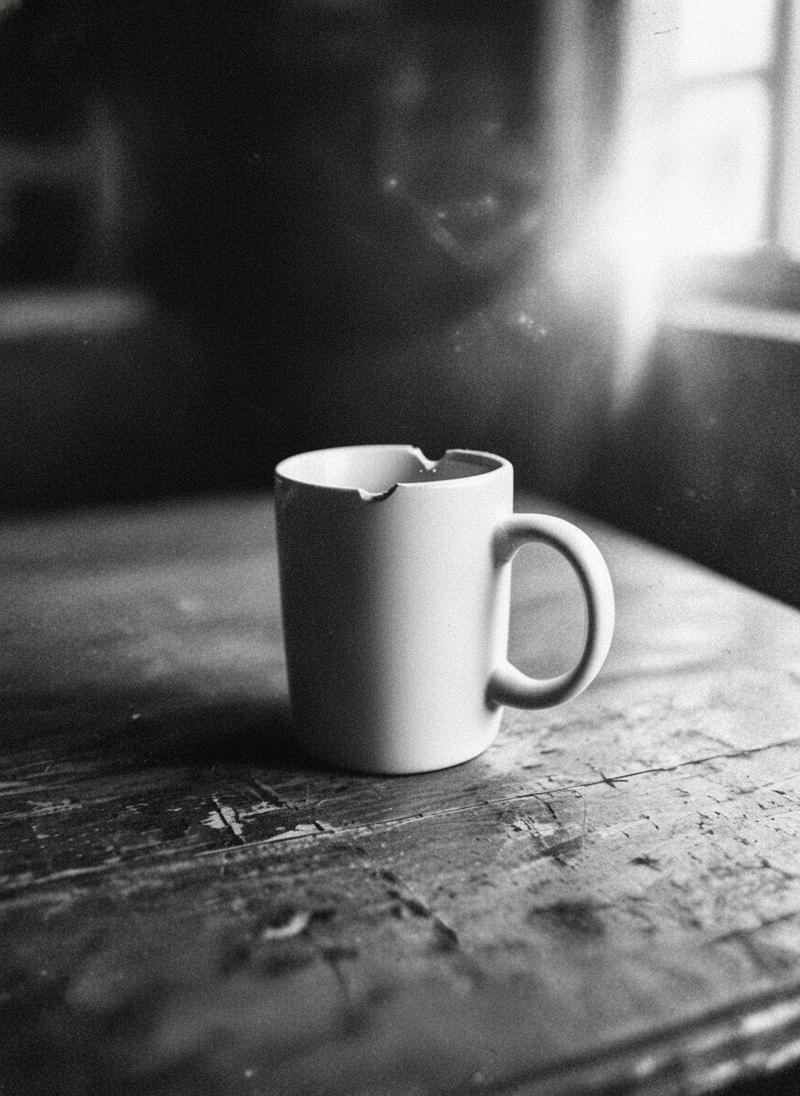
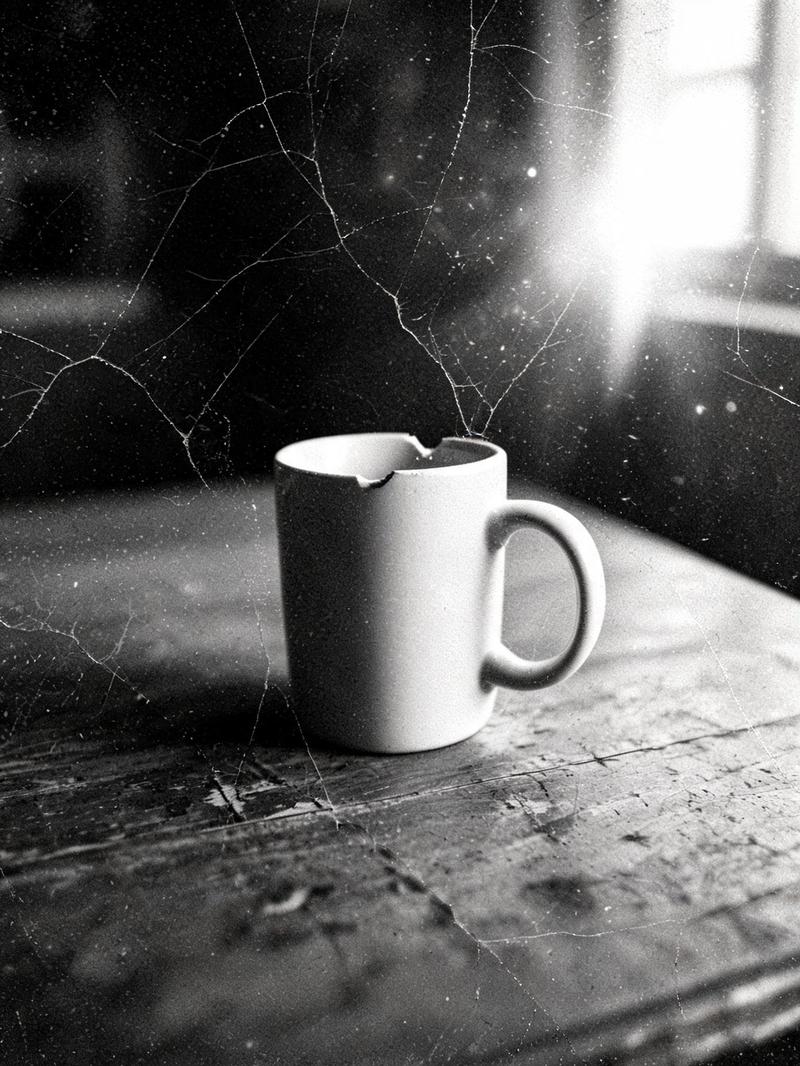
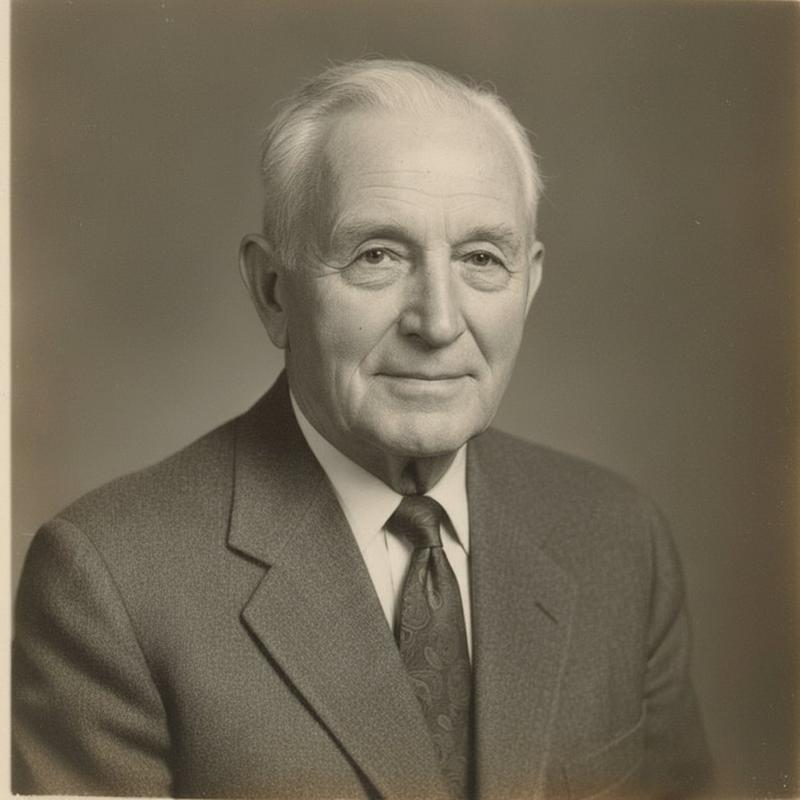
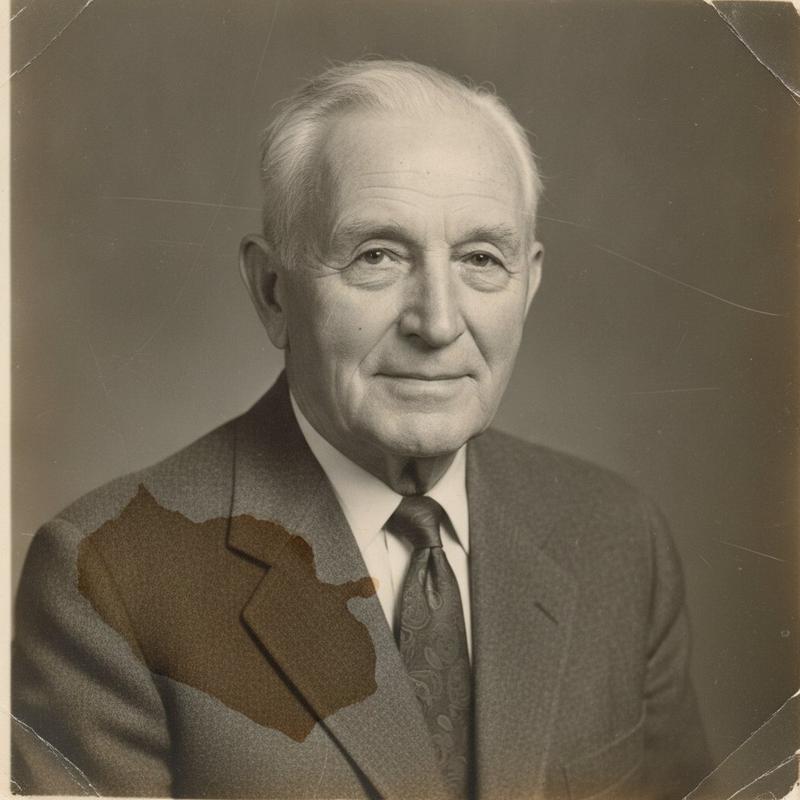
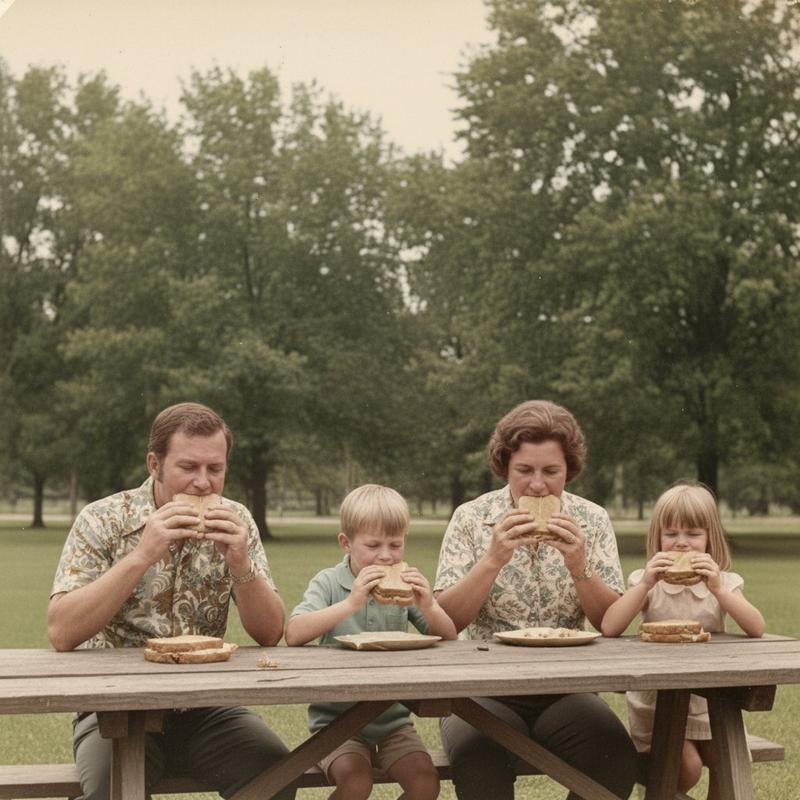
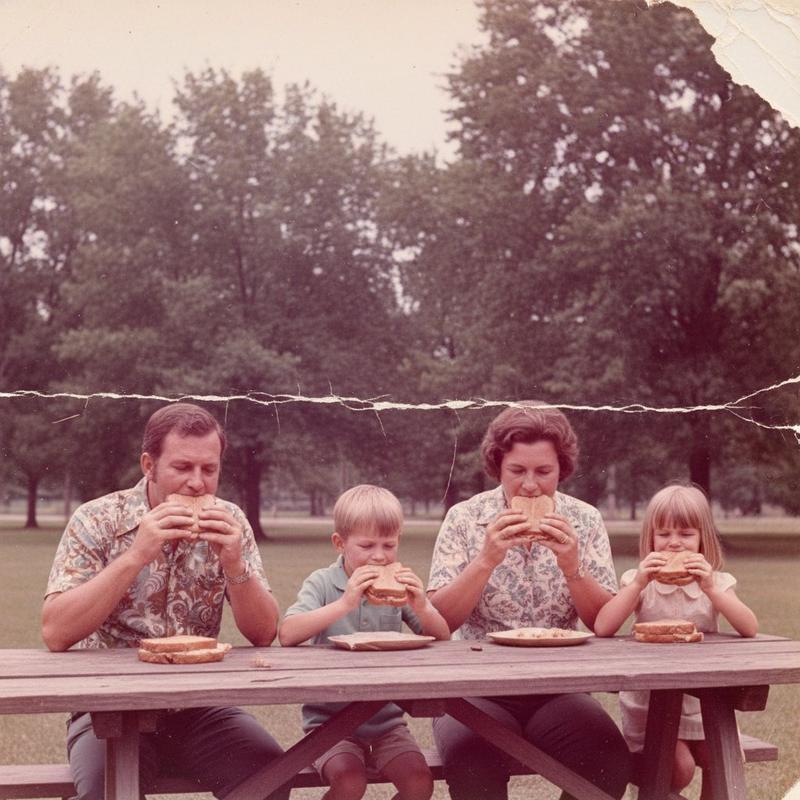
Drag the split. These are real restores from damaged prints.



Pricing
5 free restores. Then one-time packs, no subscription.
Free
Standard quality · 5–20 seconds
$0
- 5 free Standard restores
- Compare: 2 versions per restore, kept as a group.
- Keeps your photo's original aspect ratio
- No account
- Then a one-time pack
20 Restores
About a minute each
$9
- One-time pack
- High quality output
- Compare: 6 versions per restore (uses 4 from your pack), kept as a group.
- Keeps your photo's original aspect ratio
- No subscription
100 Restores
High quality · about a minute
$29
- One-time pack
- High quality output
- Compare: 6 versions per restore (uses 4 from your pack), kept as a group.
- Keeps your photo's original aspect ratio
- No subscription
FAQ
Restore, Compare, credits, privacy, wait times, and how long files stay.
How do I restore an old photo?
Upload a photo you own. OldPics repairs scratches, tears, stains, and fading, then you download the file. No account.
Do I need an account?
No. Each device gets 5 free Standard restores. No account, no card, no watermark, and no subscription. Upload a JPG, PNG, or WebP up to 10MB and download the file.
Can it fix scratches, faded photos, and black-and-white prints?
Yes. It repairs scratches, tears, stains, and fading on color and black-and-white prints you own.
How much do credits cost?
Each device gets 5 free Standard restores. Then one-time packs: $9 for 20 High quality restores, or $29 for 100. No subscription.
Are my photos private?
Uploads are stored for 7 days so we can restore them and you can download the result. They go to a third-party AI model for that restore only. Email ion@iprodan.dev to delete them sooner.
Do you use my photos to train AI?
No. We do not use your photos to train models. They are sent for that restore only, then deleted after 7 days.
How long are restored photos kept?
Seven days. Download the file. After that we delete the upload and the restore.
How long does a restore take?
Standard restores take about 5–20 seconds. Purchased High quality restores take about a minute.
Can I photograph a print with my phone?
Yes. Shoot the print in even light, fill the frame, and upload the photo. Avoid heavy glare.
What is Standard vs High quality?
You get 5 free Standard restores per device. Purchased restores use High quality for sharper output. Both keep the original aspect ratio — no stretch. No subscription.
What is Compare?
Compare runs several restore versions in one go so you can pick the best. Results land as one library group, not separate uploads. Open a thumb for full size and download that version. Colorize is still optional. Colors from a black-and-white photo are guesses.
How much does Compare use?
Free Compare gives 2 versions and uses 1 Standard restore. On a pack, Compare gives 6 High quality versions and uses 4 restores. Packs stay $9 for 20 and $29 for 100. Soft or blurry scans stay soft. Compare does not invent missing detail.
Do restores always look at the photo first?
Sometimes that quick look is skipped — a timeout or a temporary glitch. Restore still runs with the standard prompt.
Can the restore look wrong?
Yes. Restores use AI and can miss damage, invent detail, or look uneven. If a result is off, run it again — a retry often helps.